-
1
Add the areas and tables
In Operations → Floor plan choose the branch. Type an area name and press Add area, then press Add table for each table. Drag the tables into place and press Save layout. Tap a table to change its name, seats and shape.
1 Add area. 2 Add table. 3 Save layout. جاننا مفید ہے: Tills get the layout with their next sync. -
2
Open the tables on the till
Press Tables in the top bar. A table's colour follows its state: Free, Seated, Ordered, Bill printed or Paying. The top of the screen counts the free and busy tables.
1 The Tables button. 2 A free table. 3 A table that has ordered. مشورہ: No Tables button? Turn on Table service in Settings → Business and check the branch has tables. -
3
Seat the guests
Tap a free table, set Guests with the + and − buttons, then press Seat them. The sell screen opens with the table's order.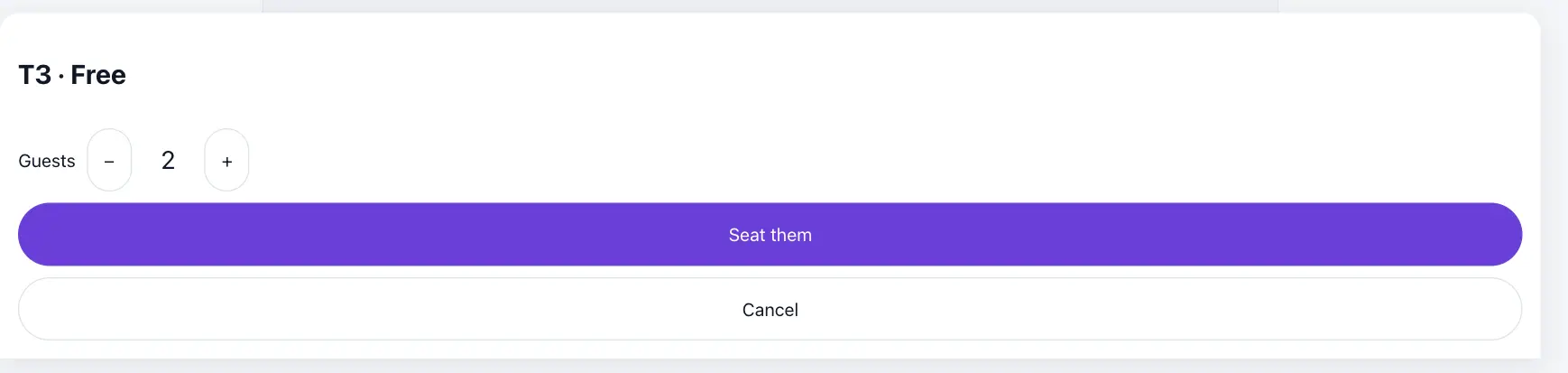
-
4
Record the seat and the course
Under the order you see the table panel. Choose the Seat and Course before adding an item. Press Kitchen and the starters go, while later courses wait until you press their Fire button.
The button that fires the mains after the starters. جاننا مفید ہے: Seats and courses are optional. Without them, the whole order goes when you press Kitchen. -
5
Go back to an open table
Tap the table on the Tables screen, then Open to carry on with its order. Choose New check at this table if another group wants a separate bill. The table frees itself once its bill is paid.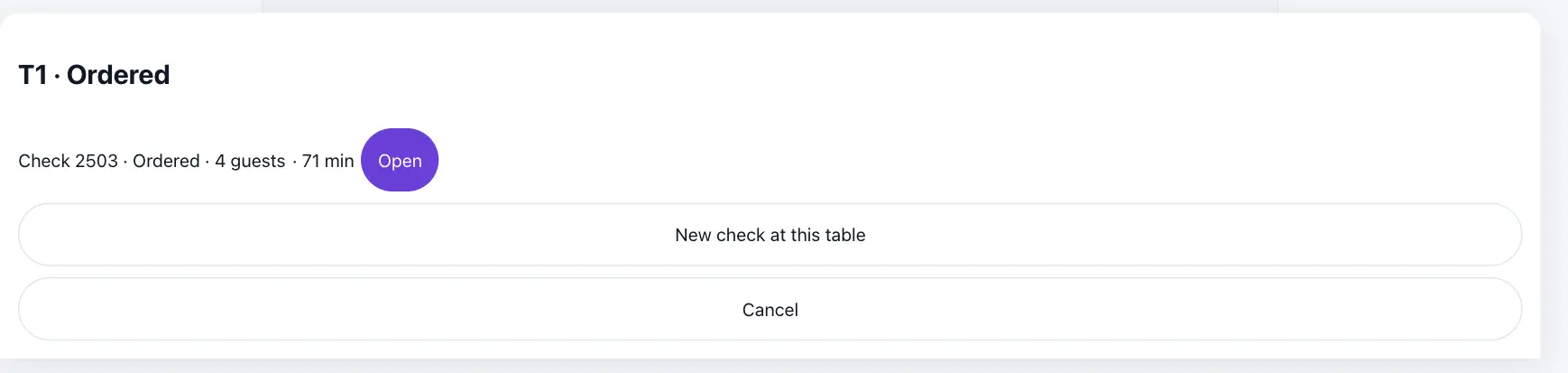
-
6
Follow the reservations
Operations → Reservations shows the day's bookings, and you can change the table and status in the table. Today's bookings also show under the floor on the till with a Seat button. Bookings come from your reservations provider once Reservation connections is set on the same page.
The day's bookings with their table and status.
کیا اس رہنمائی سے مدد ملی؟