-
1
Press Void ticket
The red button is under the ticket. The Void this ticket? window shows how many items and what total will be cancelled. -
2
Pick the reason and confirm
Pick the reason, then press Confirm void. The first tap does not void anything, so a slip of the finger cannot cancel a ticket.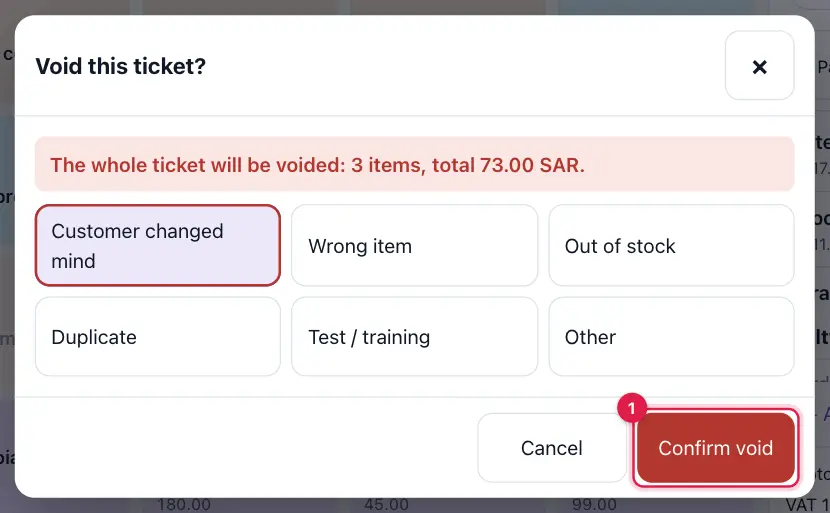
1 The red confirm button. -
3
If a manager's approval is asked for
If you do not have the void permission, the Manager approval window opens. A manager or supervisor types their PIN and presses Approve. For large amounts the request may also reach the owner's phone. -
4
If the ticket has a payment on it
A ticket with a payment on it cannot be voided. Open the payment screen and press Undo next to the payment first, then void the ticket. If it cannot be undone, a message says why.सावधानी: Once payment is finished the receipt is final and cannot be voided. Use Returns to issue a credit note.
क्या इस गाइड से मदद मिली?