जानने योग्य: You need an open shift and a second employee as witness.
-
1
Know the difference
Safe drop moves cash inside the shop. Cash pickup (carrier) means a cash-in-transit agent took the cash from the drawer. -
2
Open the pickup window
Choose Session from the top menu, then press Cash pickup (carrier).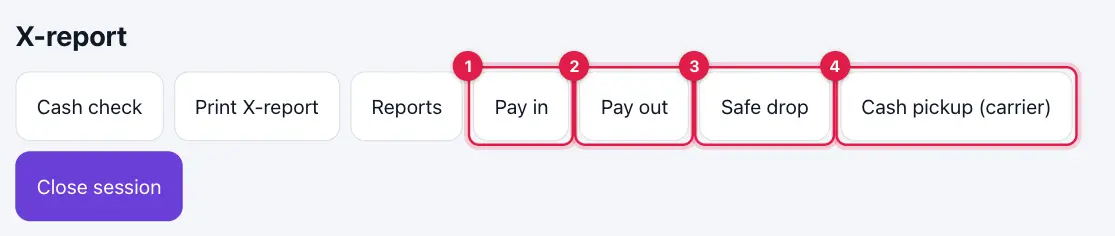
Mark 4: the cash pickup button. -
3
Enter the details
Enter the Amount and Carrier, which are required. Then add the Bag no., Seal no. and Collected by.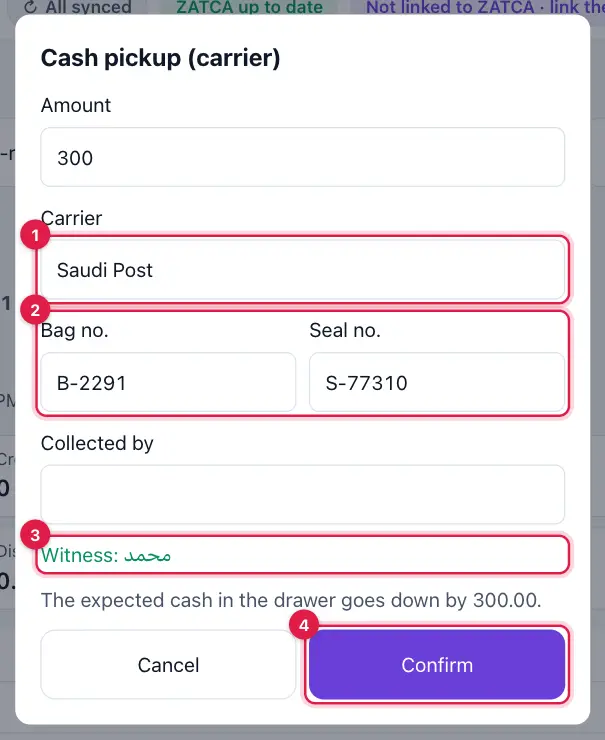
1: the carrier. 2: bag and seal. 3: the witness. 4: the <b>Confirm</b> button. -
4
Confirm the witness
A second employee types their PIN under Witness PIN and presses Confirm witness. You cannot witness your own pickup. -
5
Confirm the pickup
Press Confirm. The expected cash in the drawer goes down by the same amount, and the pickup shows on the shift report. -
6
Review the log
In the back office open Operations → Cash pickups. Pick the branch and period to see the time, amount, carrier, bag, seal, collector, witness and cashier.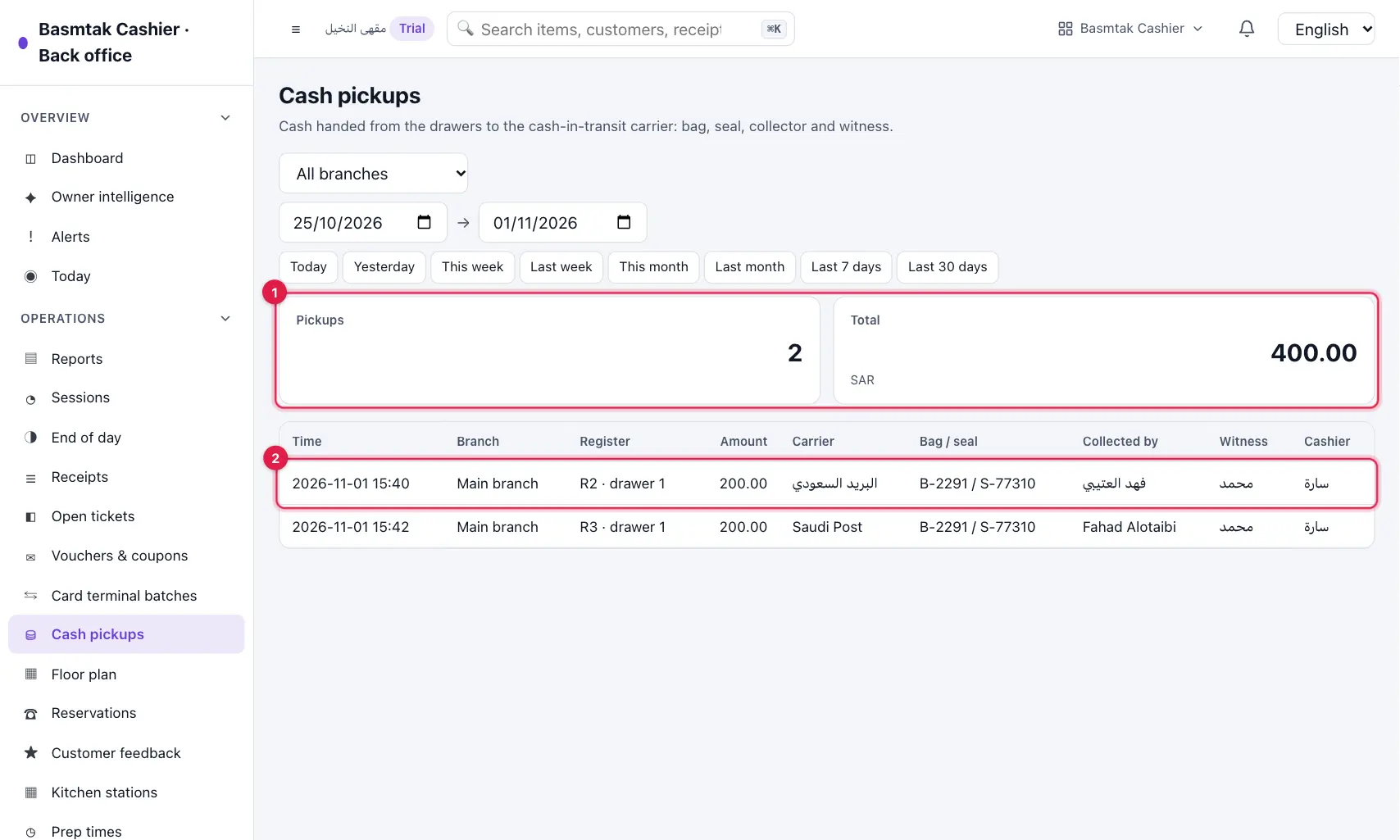
1: the number of pickups and their total. 2: the pickup's details.
क्या इस गाइड से मदद मिली?