-
1
Find the report
On the till: it shows right after closing, then you find it under Session or Reports → Last Z-report. In the back office: open Operations → Sessions and press any closed shift.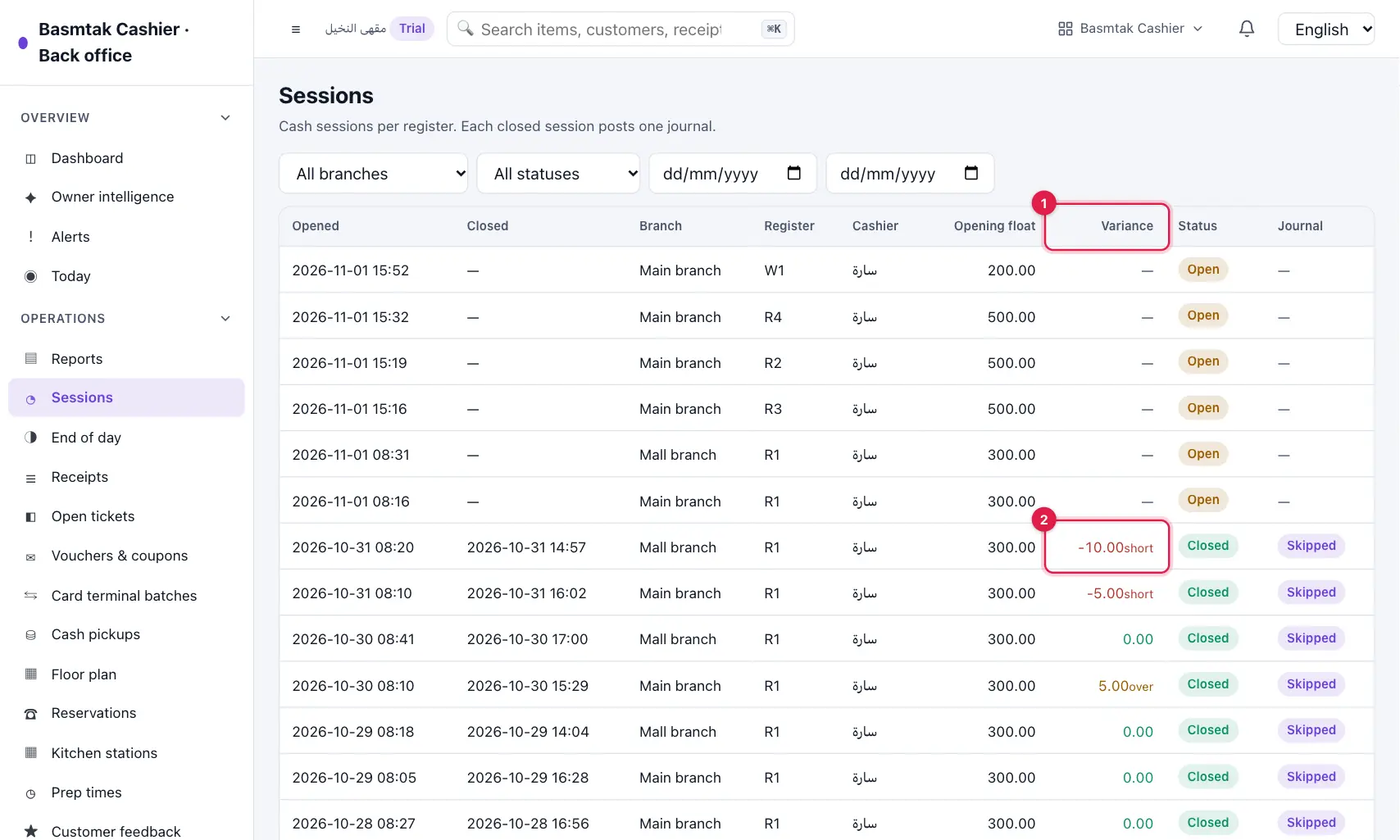
1: the <b>Variance</b> column. 2: an example of a shortage. -
2
Read the main figures
At the top: Net sales excluding VAT, Opening float and Variance. Below them, Sales summary and Sales by tax category.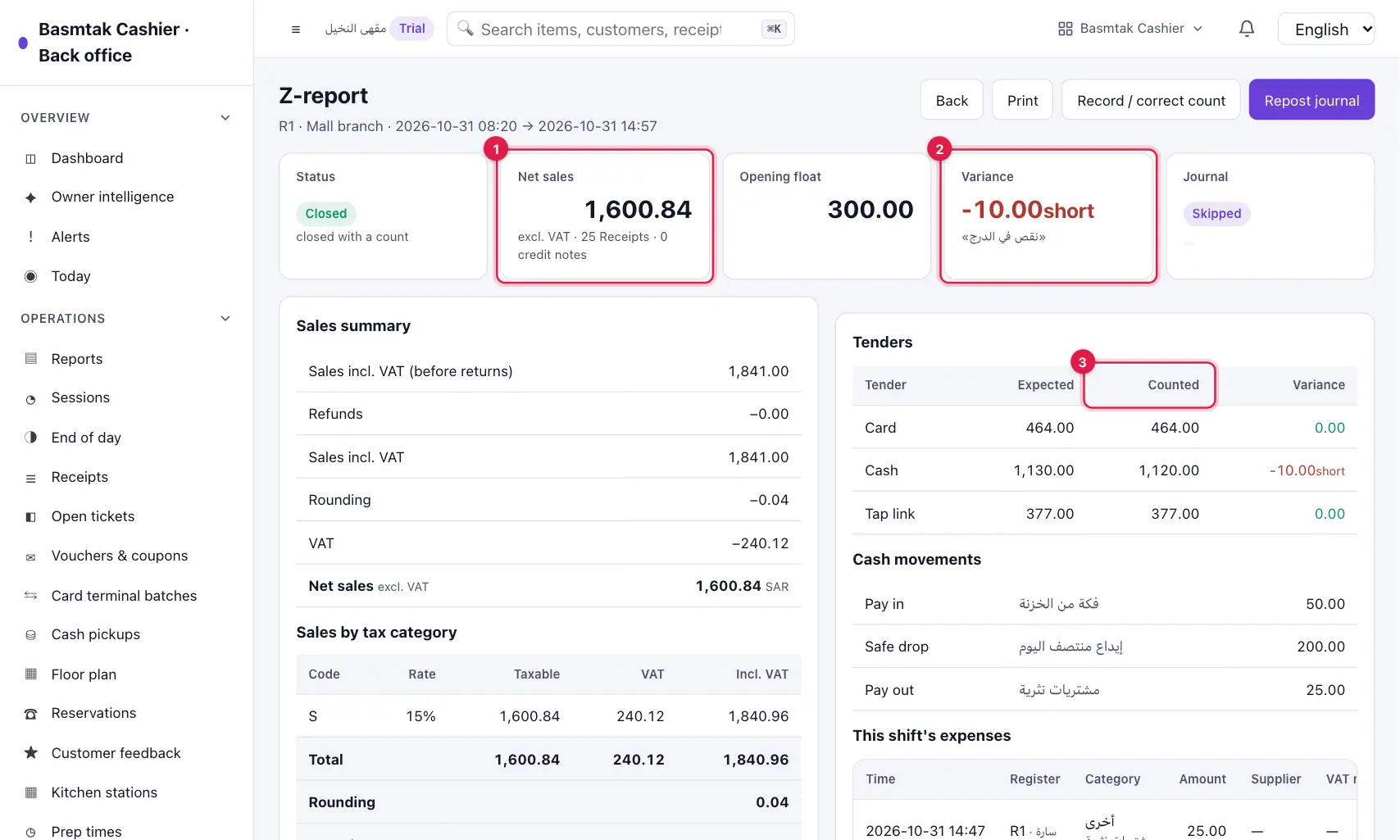
1: net sales. 2: the variance. 3: the counted column. -
3
Compare expected and counted
Under Tenders each method shows Expected, Counted and Variance. A method not counted at closing shows no count. Below it are the Cash movements.
1: counted. 2: variance. -
4
See who opened and closed
The Shift section shows Opened by, Closed by, Receipt range and Closing note, with sales By order type and By channel.
-
5
Print it again
On the till press Print under Reports → Last Z-report. In the back office press Print at the top of the report.
क्या इस गाइड से मदद मिली?