-
1
Sign in to the back office
Open the sign-in page, enter Email and Password, then click Sign in. If your e-mail belongs to more than one business, pick one on the Which business? screen.
1 The <b>Forgot your password?</b> link. جاننا مفید ہے: E-mail and password are for the back office. Cashiers sign in with a PIN on a paired device. -
2
Ask for a reset link
Click Forgot your password?, enter the e-mail you sign in with, then click Send reset link. The link is valid for 60 minutes. Check your spam folder if it does not arrive.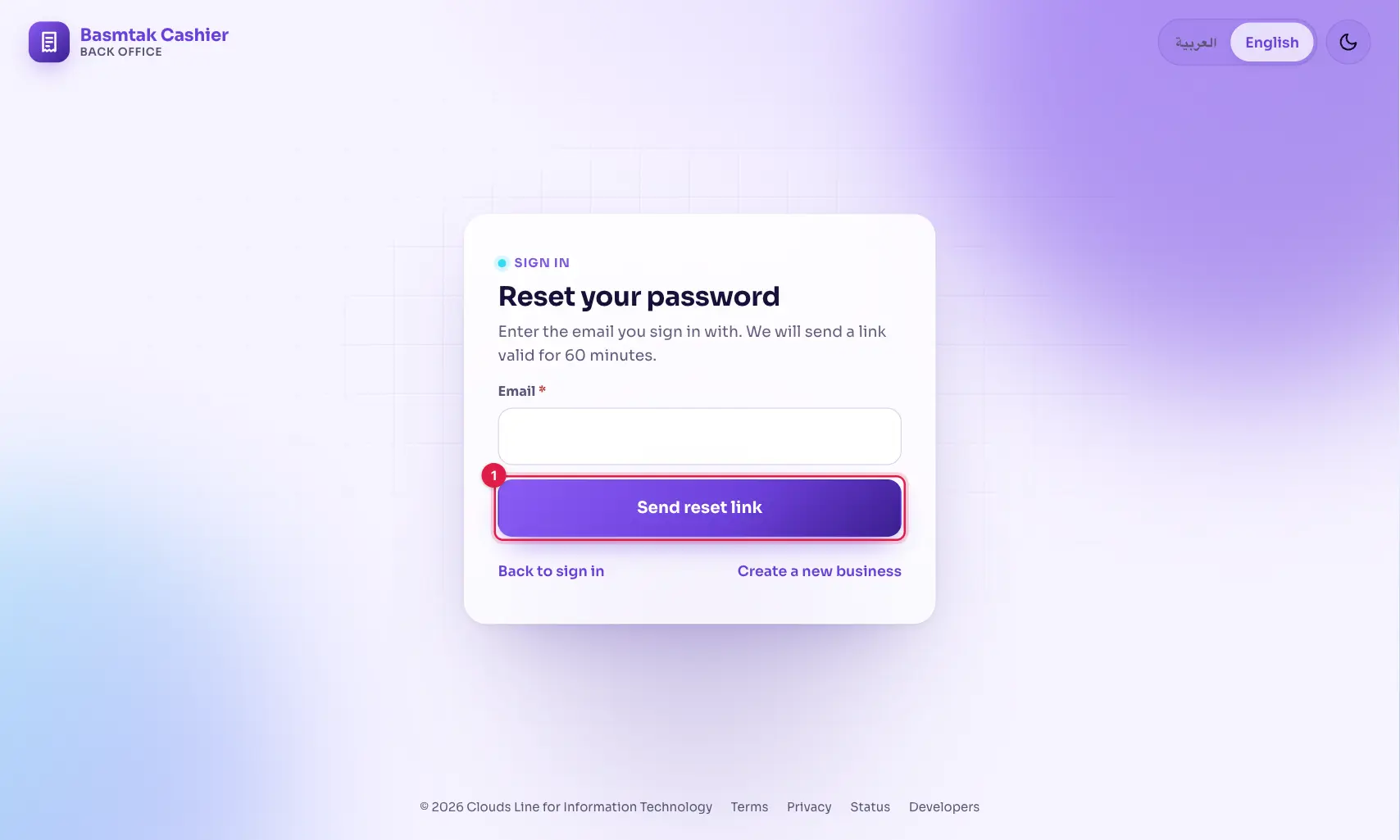
-
3
Choose a new password
Open the link, enter New password of at least 8 characters, repeat it in Confirm password, then click Save password. Every session is signed out, so sign in with the new password.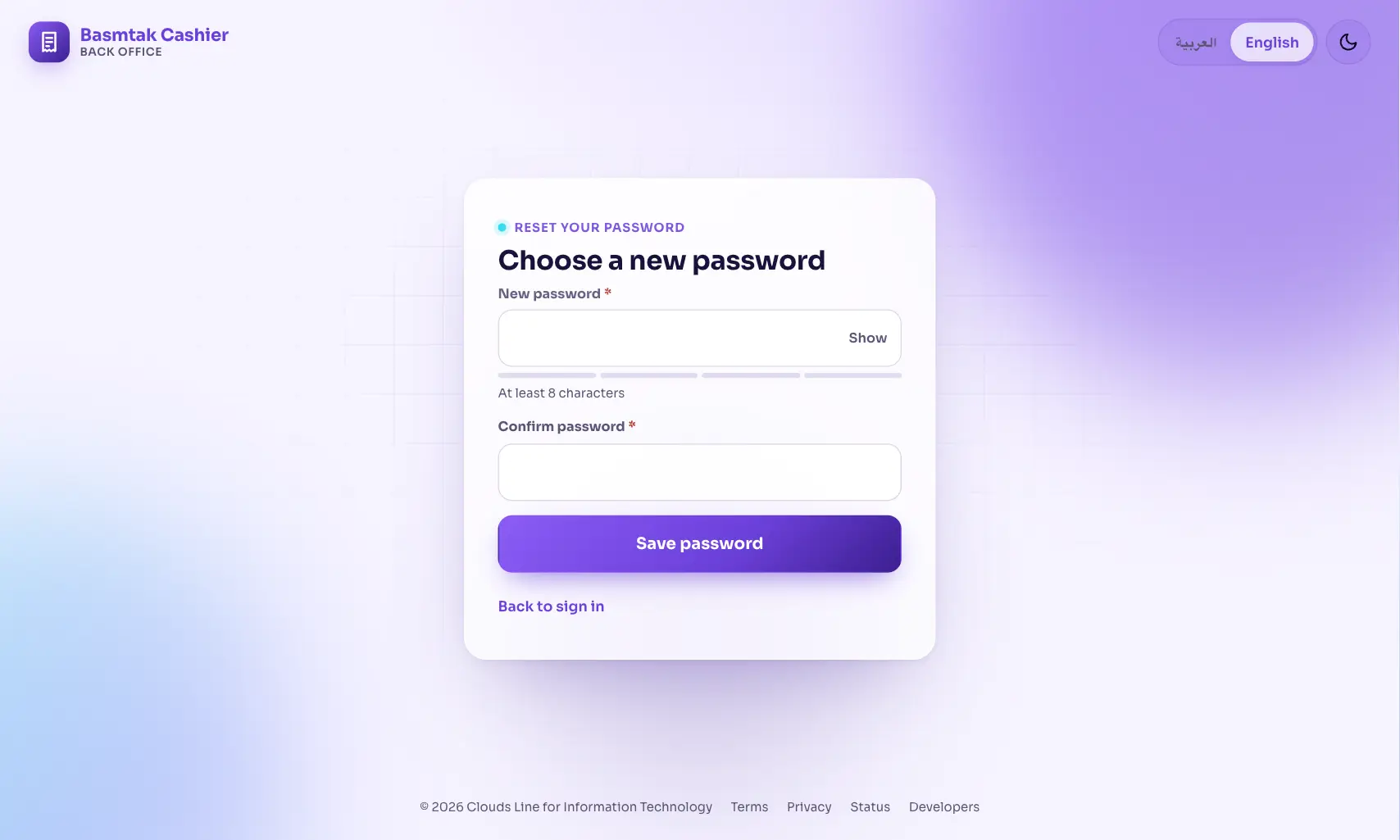
-
4
Move to another Basmtak product
Click Basmtak Cashier at the top of the back office, then choose Basmtak HR or Basmtak Books. If your account is linked to HR, the product opens directly. If not, you see Learn more and move to the product's website.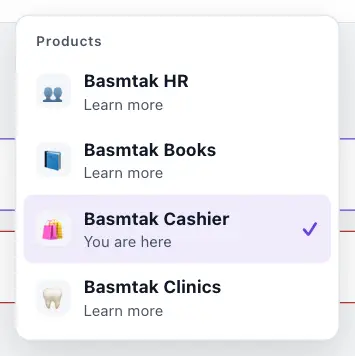
-
5
Sign out
Click Sign out at the bottom of the side menu, especially on a shared device.
کیا اس رہنمائی سے مدد ملی؟