Export your items from Loyverse as CSV and upload them to Basmtak Cashier. Rows that share a Handle become variants of one item. Only items move.
شروع کرنے سے پہلے
- A file from your old system.
- An owner or a manager.
-
1
Export the file from your old system
In the Loyverse back office open Items, then Export as CSV. -
2
Upload the file
Open Customers & import → Import. Choose the source Loyverse, pick the file, then press Upload & preview.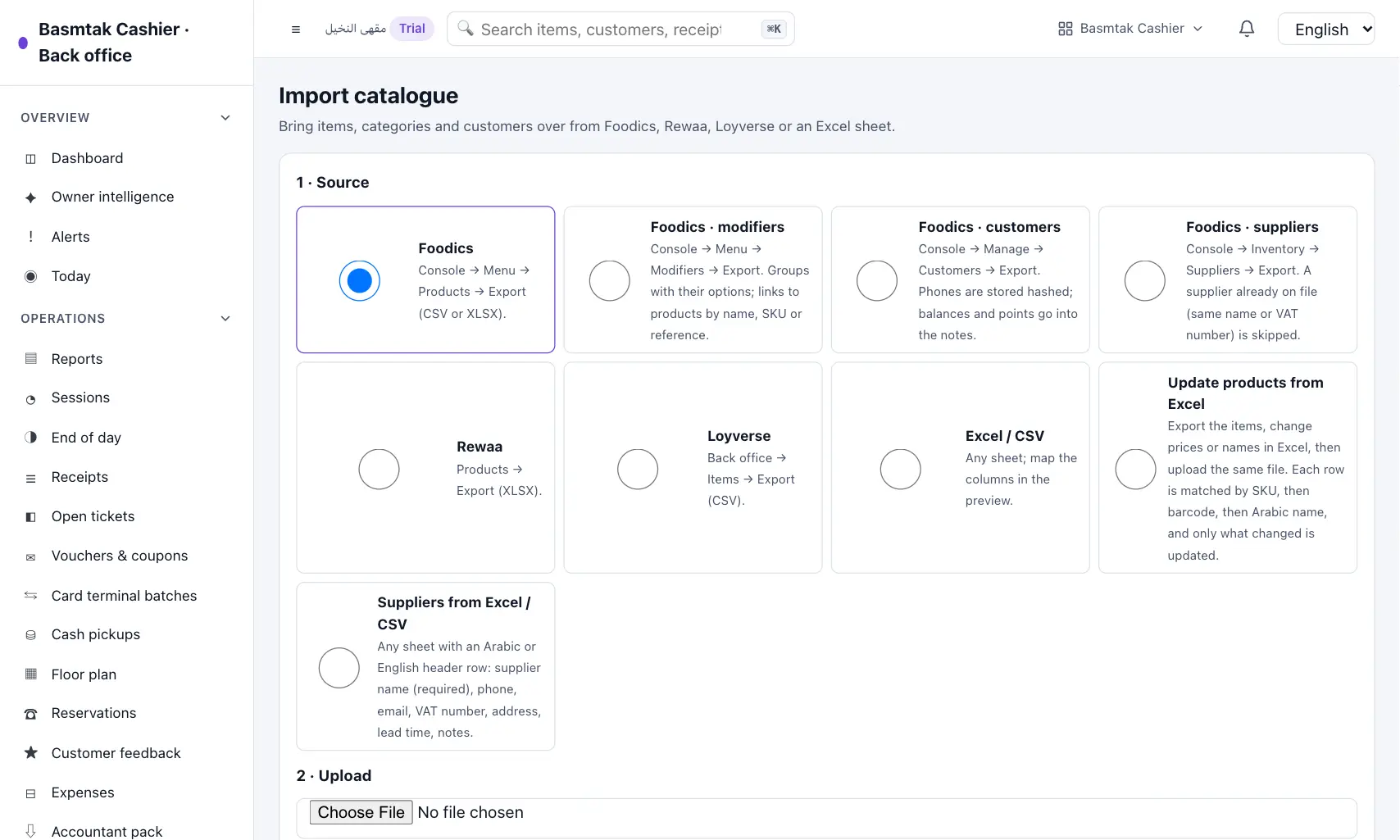
-
3
Review the preview
The preview shows the counts and the first rows. If a column is not matched, pick it under Column mapping and preview again. Nothing has been created yet. -
4
Apply the import
Press Apply import. Items already there under the same name or SKU are skipped, not duplicated. If something looks wrong, press Undo in Import history.
نظاموں کے درمیان کیا منتقل ہوتا ہے
| کیا | سمت | تفصیل |
|---|---|---|
| Items and variants | کیشیئر میں | Name, category, price, cost, barcode and options. |
عام سوالات
Does the sales history move?
No. Only items move.