Export your products from Rewaa and upload the file to Basmtak Cashier. Only products move, with their names, barcodes, prices, cost and category. Stock quantities do not move, even if they are in the file.
शुरू करने से पहले
- A file from your old system.
- An owner or a manager.
-
1
Export the file from your old system
In Rewaa open Products, then Export as XLSX. -
2
Upload the file
Open Customers & import → Import. Choose the source Rewaa, pick the file, then press Upload & preview.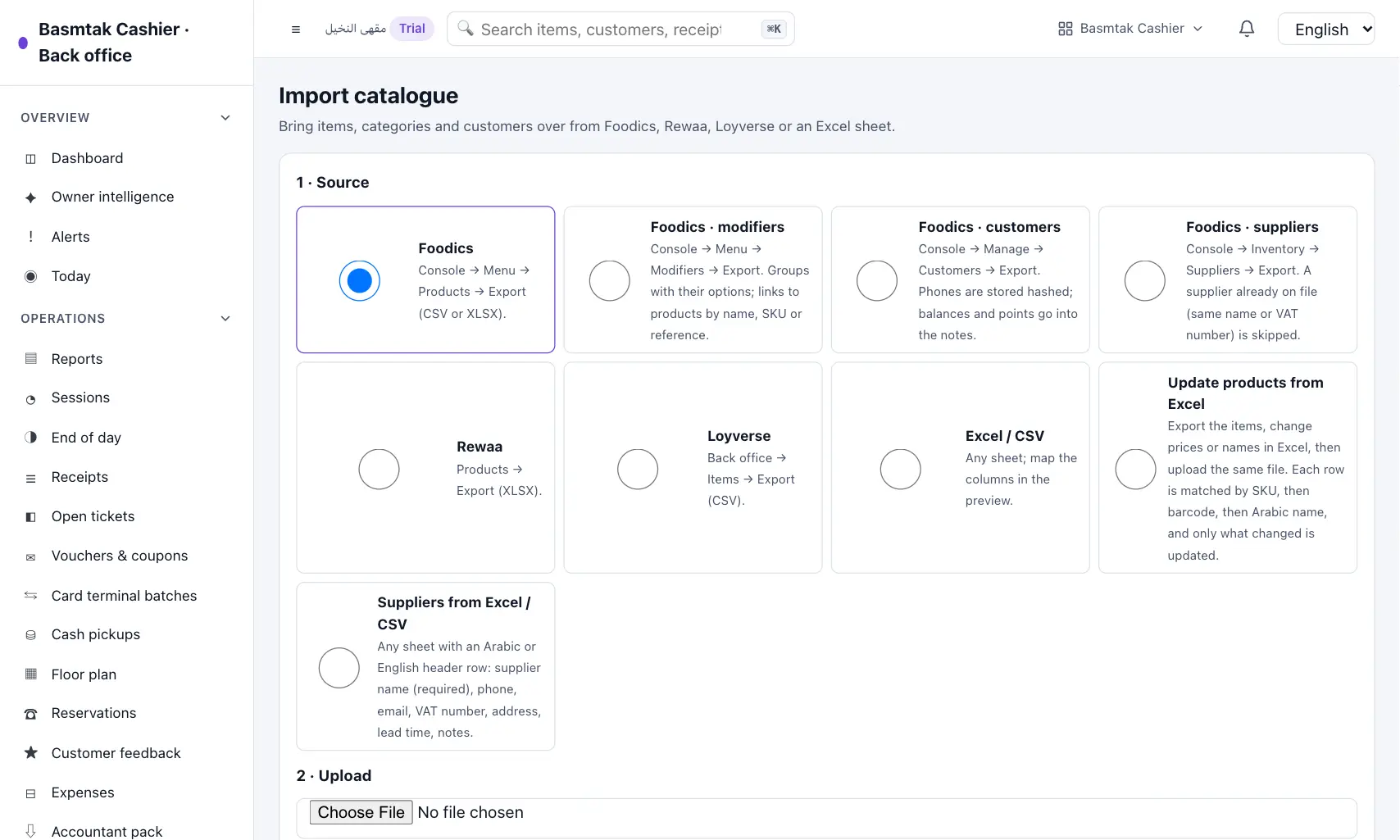
-
3
Review the preview
The preview shows the counts and the first rows. If a column is not matched, pick it under Column mapping and preview again. Nothing has been created yet. -
4
Apply the import
Press Apply import. Items already there under the same name or SKU are skipped, not duplicated. If something looks wrong, press Undo in Import history.
सिस्टम के बीच क्या जाता है
| क्या | दिशा | विवरण |
|---|---|---|
| Products | कैशियर में | Name, barcode, price, cost, category, SKU, tax and description. |
सामान्य प्रश्न
Do my Rewaa customers move?
No. The Rewaa source imports products only.
Do quantities move?
No. Enter your stock balances after the import.