জেনে রাখুন: An owner or a manager does this, and these screens show for businesses in Saudi Arabia. You need the business VAT number, the branch's full national address, and access to the Fatoora portal.
-
1
Check the basics
In Settings → Business, enter the Legal name and VAT number. The VAT number has 15 digits, starting and ending with 3. If a branch address is incomplete, the units page shows a message with an Edit branch link.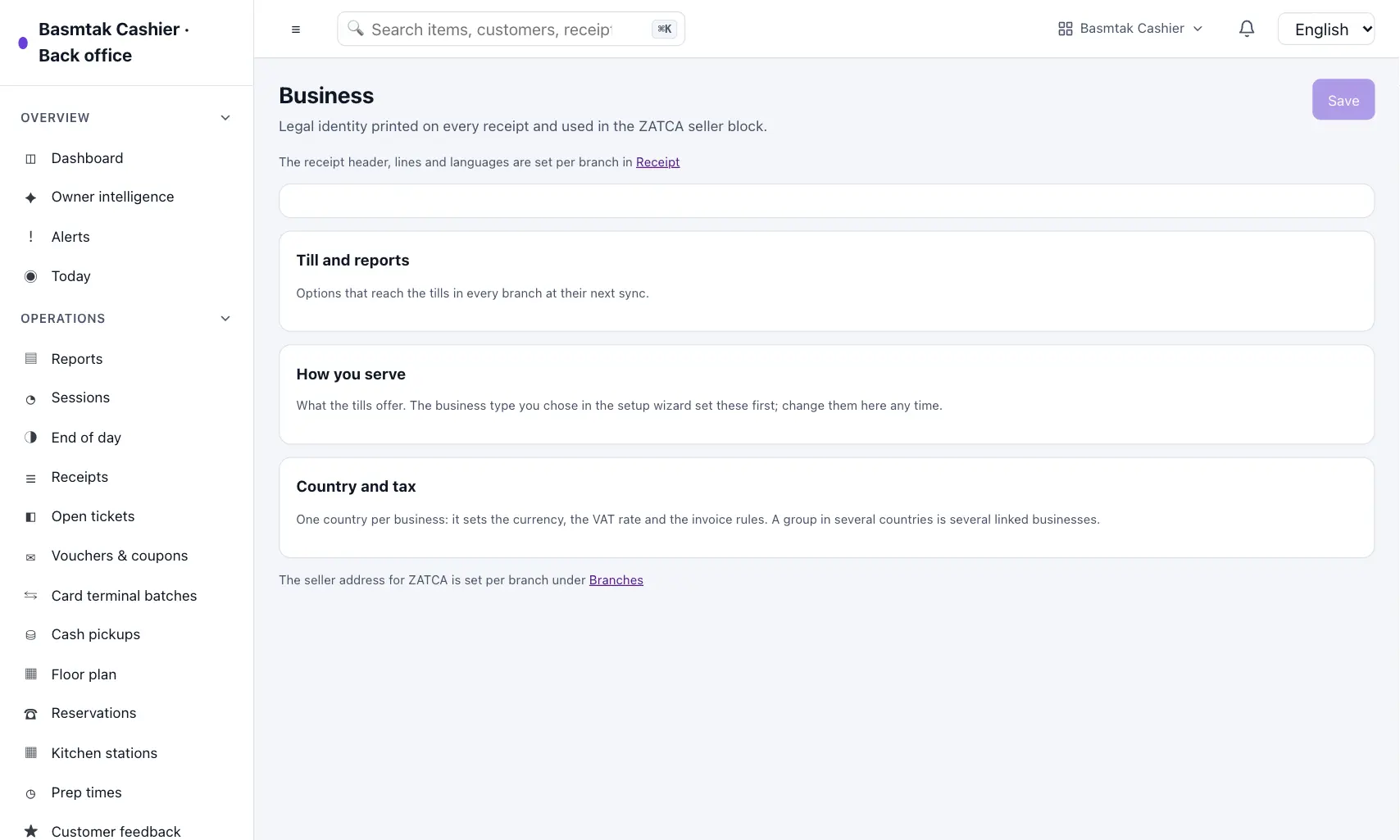
1 Legal name 2 VAT number -
2
Confirm your business category
Choose Compliance → ZATCA units. Under What the certificate requests state, pick your activity from Business category (ZATCA) and press Confirm activity.
1 Business category 2 Confirm activity সতর্কতা: Choose carefully. It is written into the certificate and cannot change after the first unit. -
3
Create a unit for the branch
Press + New server unit. Choose the Branch, then the Environment: Simulation is for testing only, and Production is for real invoices. Then press Create. The unit is what signs invoices for the branch. জেনে রাখুন: If your VAT number belongs to a VAT group, a Group member TIN box shows for each branch, and no unit can be created for a branch without it.
-
4
Enter the OTP from the Fatoora portal
The unit window opens after you create it, and you can reopen it with Onboard. In ZATCA's Fatoora portal, choose Onboard new solution unit and generate a 6-digit OTP, valid for one hour. Type it into OTP from the Fatoora portal and press Request compliance certificate.
1 The linking steps 2 The OTP box 3 Request the certificate পরামর্শ: If you see that the OTP is wrong or expired, generate a new one in the portal and try again. -
5
Run the compliance checks
Press Run compliance checks. The system sends six sample documents to ZATCA, and each shows a pass or fail mark with ZATCA's message. When all pass, the production certificate is issued and the unit becomes Ready. -
6
Check that the till is linked
The branch's tills use this unit by themselves once they reach the server, and Not linked to ZATCA · link the unit leaves the till's bar. Repeat these steps for each branch. The units page also lists the registers that issued invoices unsigned.
The list of invoices issued unsigned on the units page সতর্কতা: A till linked only through this unit signs each invoice through the server, so it needs the internet. To sell offline, link each till too: see the guide on linking a till to sell offline. -
7
Renew the certificate before it expires
Expiring soon shows beside the unit 30 days before expiry, and you get an alert. Press Renew certificate, generate a new OTP in the Fatoora portal and enter it. The current certificate keeps working until the new one is issued.
এই গাইড কি সাহায্য করেছে?