-
1
Open Receipt settings
Choose Settings → Receipt settings. If you have several branches, pick one from the list. With one branch its page opens directly.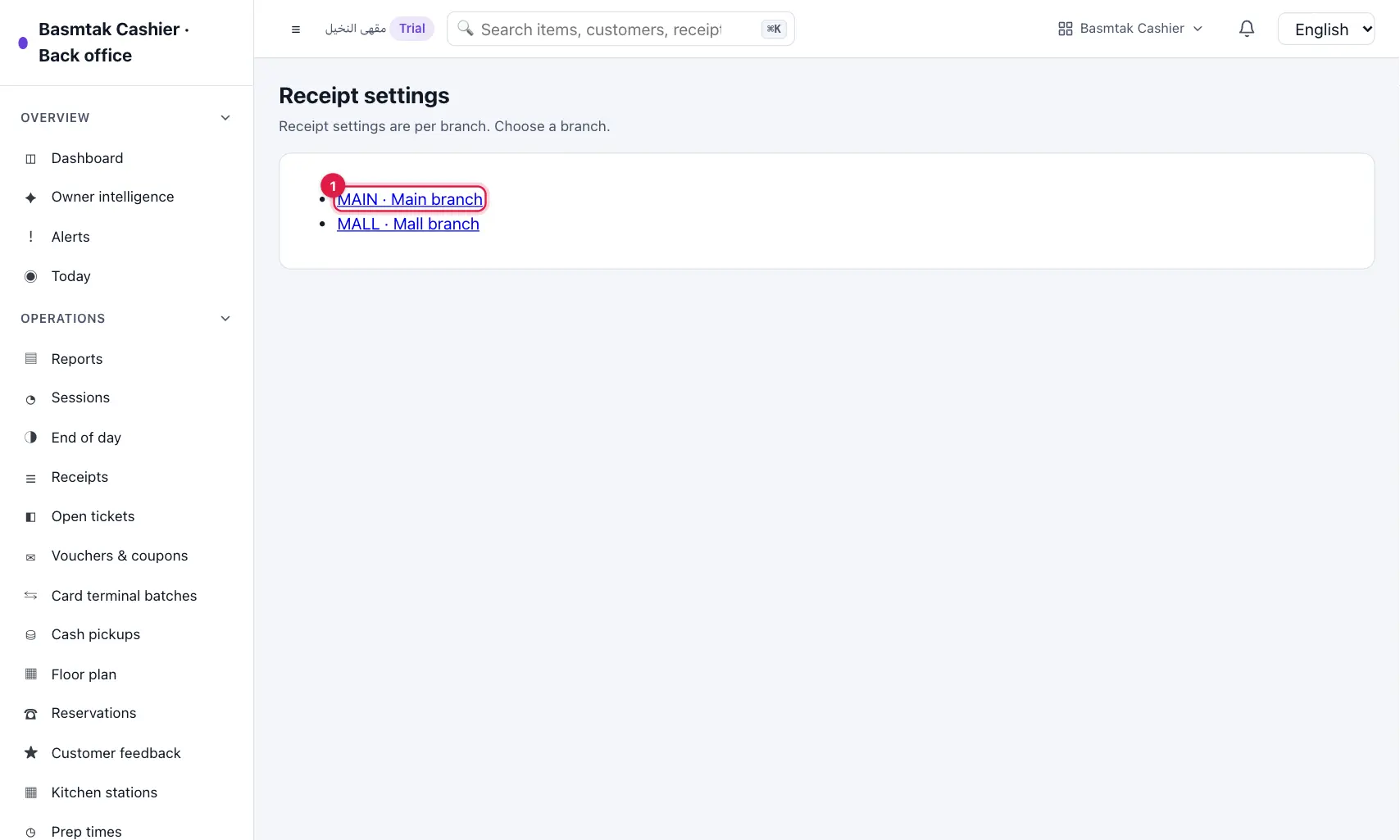
-
2
Write the header and footer
In Header lines, write up to 5 lines under the shop name, such as opening hours or your Instagram. Use Footer for a message at the bottom, and Return policy for your return terms.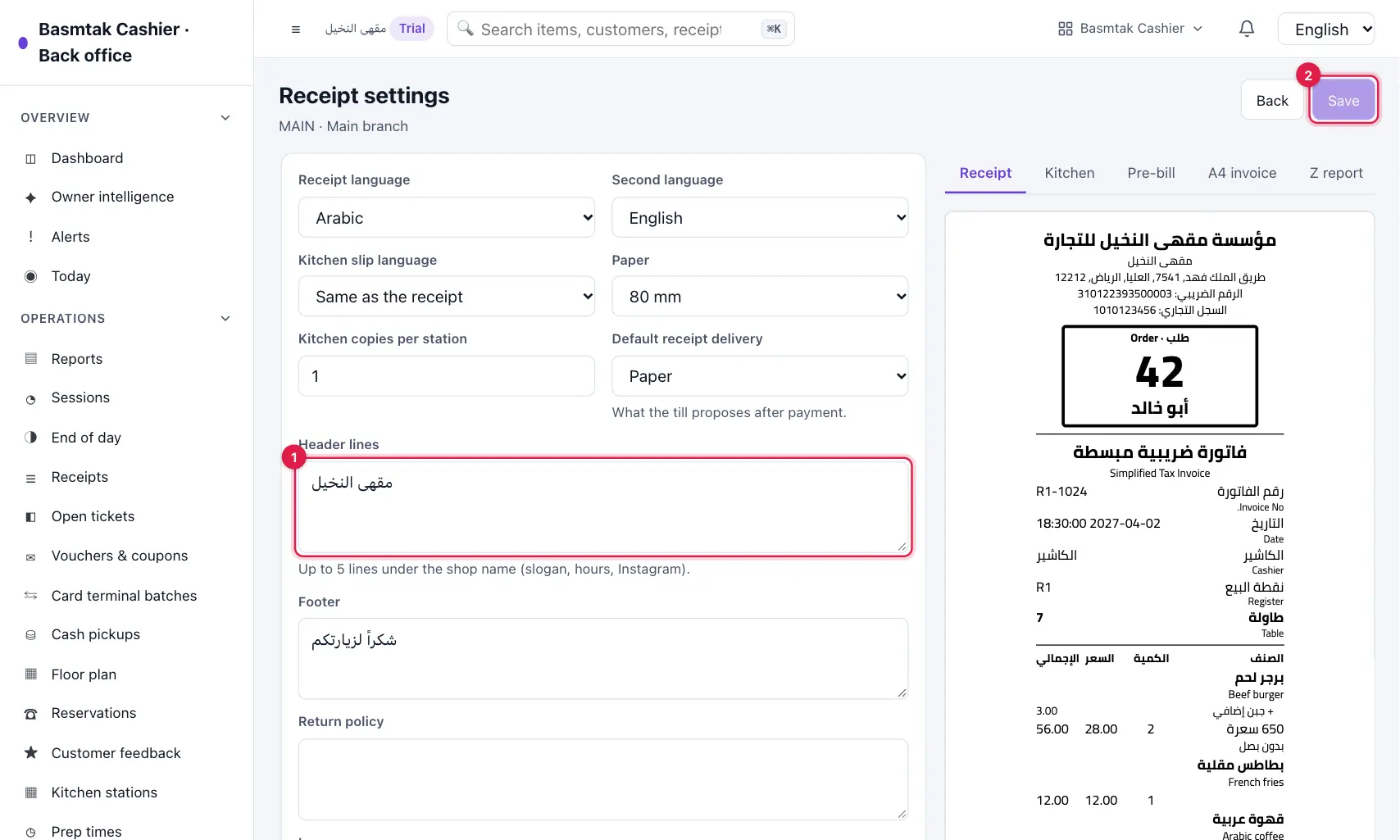
1 Header lines. 2 The save button. -
3
Upload the logo
Click Upload logo and choose a PNG, JPEG or WebP image. The logo appears in the preview beside the form. পরামর্শ: If you see a message that the logo is too large, use a smaller image.
-
4
Choose the paper and languages
Under Paper, choose 80 mm or 58 mm to match your printer. Choose Receipt language and Second language. In Saudi Arabia, Arabic must be one of the two. -
5
Choose what prints
Under Printed on the receipt, tick what you want to show, such as Cashier, Phone and Order type.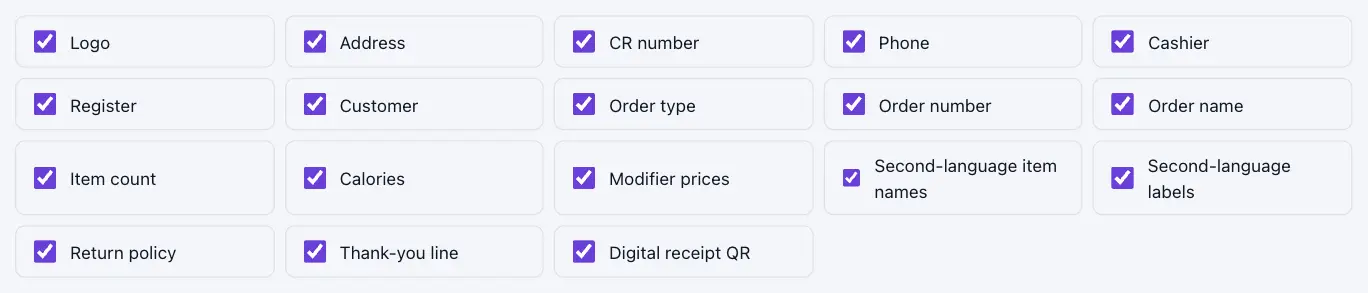 জেনে রাখুন: The VAT number, title, invoice number, totals, VAT breakdown and ZATCA QR always print and cannot be hidden.
-
6
Preview, then save
The preview changes as you edit. Try the Receipt, Kitchen, Pre-bill, A4 invoice and Z report tabs, then click Save.জেনে রাখুন: The settings reach devices that are online about a minute after you save, with no need to pair them again. A device that is offline takes them when it reconnects.
এই গাইড কি সাহায্য করেছে?