-
1
Choose the display type
On the till press Printers, then the Customer display tab. Set Display to Second screen on this device or Separate tablet. Type the Welcome text and press Save. You can add pictures or videos for idle time through https links, up to 10.
1 The display type. 2 Open the display on this device. -
2
A second monitor on the device
Press Open customer display. A new window opens. Drag it to the second monitor and press F11 for full screen. If a blocked-window message shows, allow pop-ups for this site in the browser.
-
3
A separate tablet
In Organisation → Registers press Pair a device on the same register, choose Customer display, then Create code. On the tablet open cashier.basmtak.com/connect and type the code. Keep the tablet on the network; it follows the till within a second.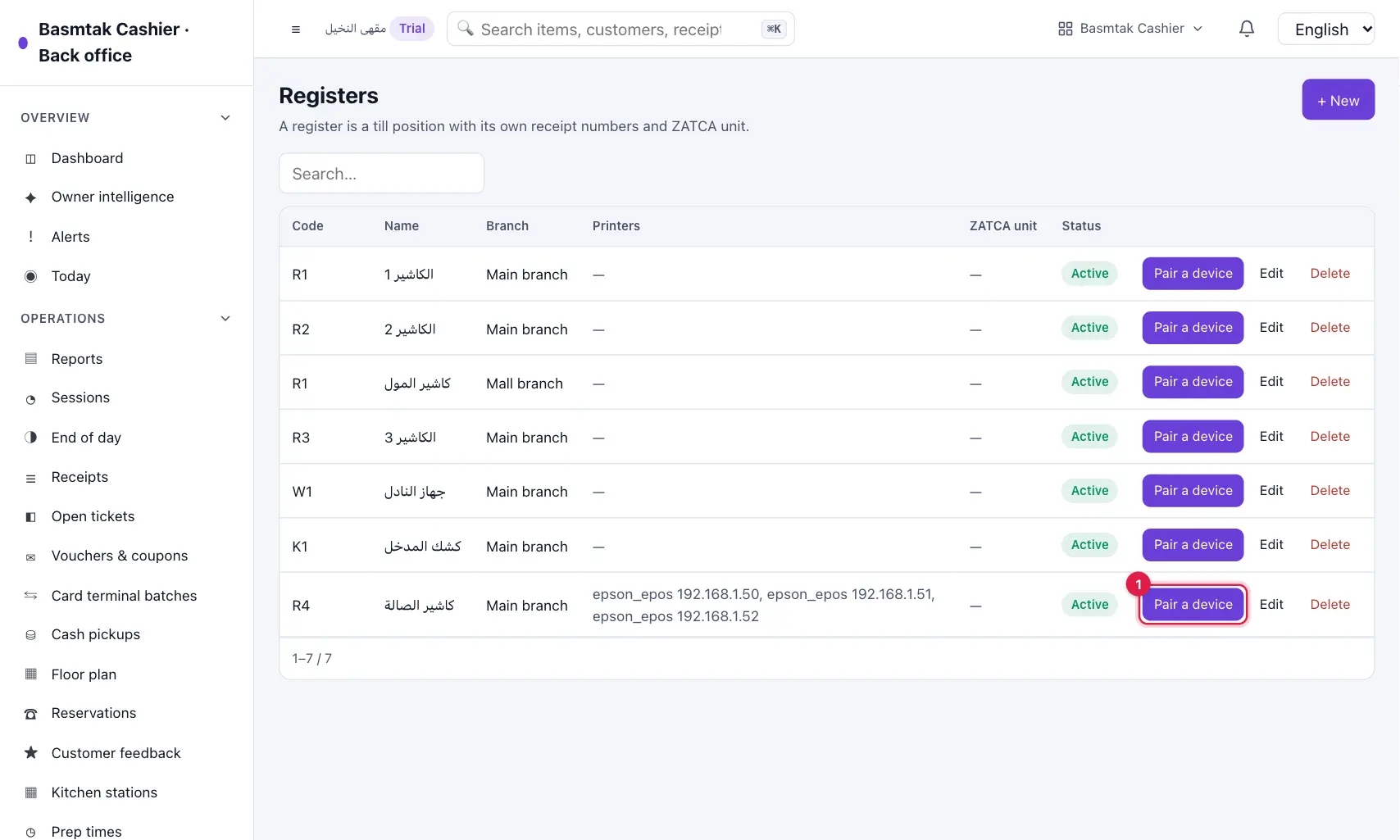 জেনে রাখুন: A customer display only shows the order and the total; it never sells.
-
4
What the customer sees
The items, VAT and total update as you sell. With no sale open, the welcome or slides show. If you turn on Show the receipt QR after payment, a code shows for the customer to scan for a digital receipt.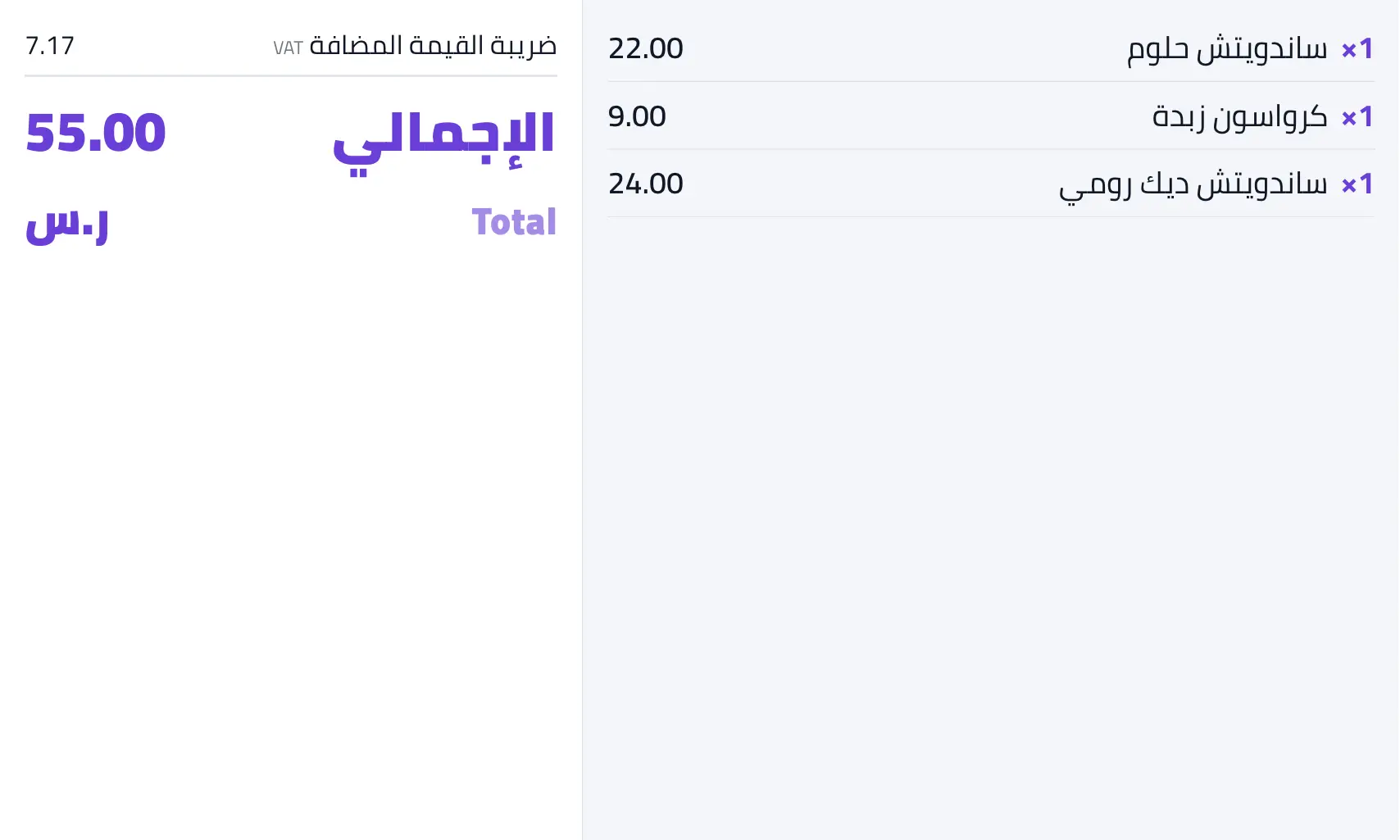
এই গাইড কি সাহায্য করেছে?