-
1
Understand the business day
A business day need not start at midnight. If the cutoff is 04:00, a sale at 01:30 counts for the previous day. This suits cafés and restaurants that stay open after midnight. -
2
Open the Business day page
In the back office choose Settings → Business day. This page is for owners and managers.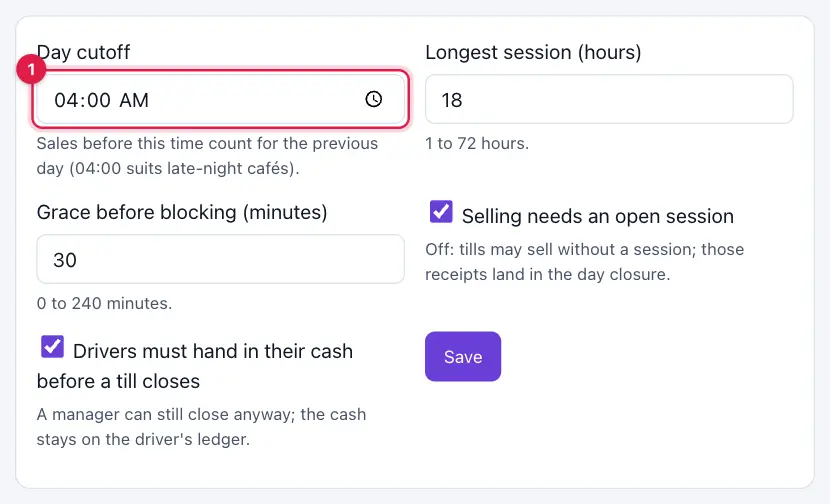
1 The day cutoff. -
3
Set the Day cutoff
Choose a time after your usual last sale. Shops that close before midnight can choose 00:00. -
4
Set the shift limits
Longest session (hours) is 1 to 72 hours. Grace before blocking (minutes) is 0 to 240 minutes. If a shift passes the end of the business day or the longest session, the till shows a warning. After the grace period it takes no new tickets until the shift is closed with a count.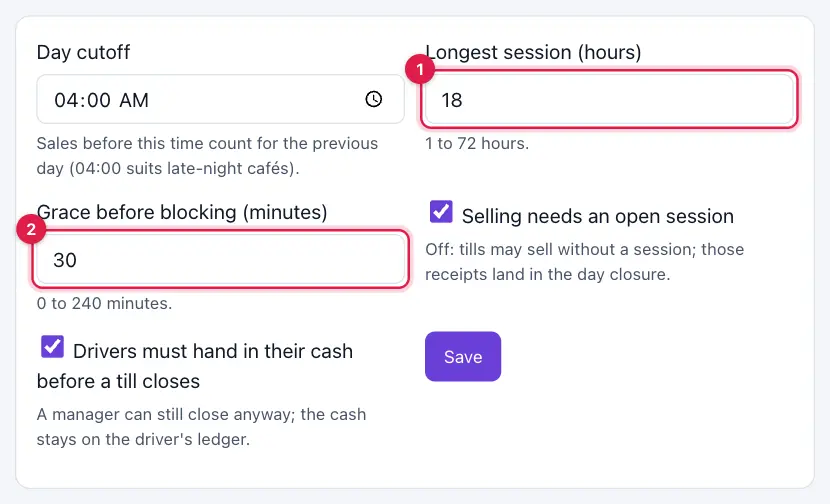
-
5
Choose the shift rules
Selling needs an open session: when off, tills can sell without a shift and those receipts land in the day closure. Drivers must hand in their cash before a till closes: a manager can still close anyway.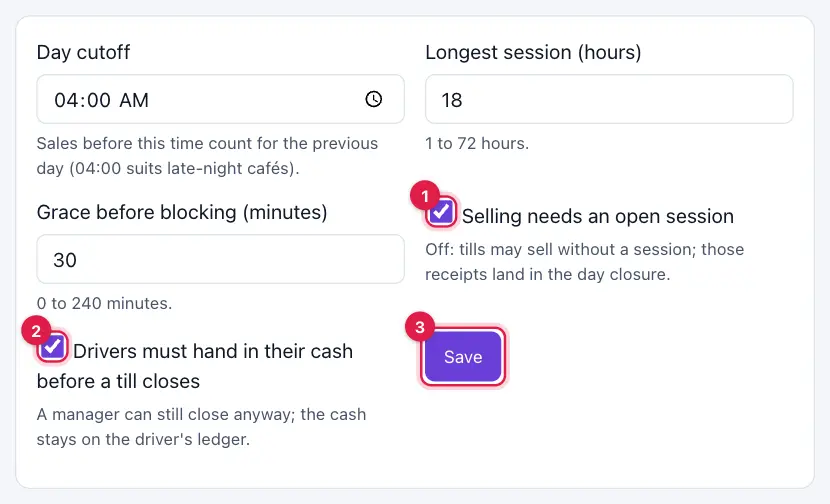
-
6
Save
Click Save. The new time applies using the time zone set on the Business page.
এই গাইড কি সাহায্য করেছে?